"I Never Received the Invoice": The Playbook
It's the most common excuse in B2B collections. Here is exactly how to prevent it, how to respond when you hear it, and how to get paid anyway.
On this page
- Why it works so well
- Phase 1: Prevention
- Verify the billing contact upfront
- Send the invoice immediately
- Use a subject line that gets opened
- Phase 2: The Response
- 1. Validate and Pivot
- 2. Verify the Details
- 3. The "While We're on the Phone" Tactic
- Phase 3: The Multi-Channel Approach
- Add SMS to your flow
- How Automation Solves This
You sent the invoice on the 1st. You sent a reminder on the 15th. You waited another week. Finally, you get the customer on the phone, and they say the five words every business owner hates to hear:
"We never received the invoice."
It stops the conversation cold. You can't ask for payment on an invoice they claim they don't have. You have to resend it, reset the clock, and wait.
This is the single most common stall tactic in B2B collections. Sometimes it's true - spam filters are aggressive, and typos happen. But often, it's a convenient way to buy another 14 days of cash flow without having to admit it.
Here is the playbook for handling the "I never received it" excuse, from prevention to the moment you hear it on the call.
Why it works so well
The "lost invoice" excuse is effective because it shifts the blame. It's not that they aren't paying; it's that you failed to deliver the bill. It puts you on the defensive.
It also forces a restart. If you send the invoice today, their internal payment clock (Net 30, Net 60) often starts today, not from the original invoice date. A simple "I didn't get it" can push a payment from 30 days to 60 days instantly.
Phase 1: Prevention
The best way to handle this excuse is to make it impossible to use.
Verify the billing contact upfront
Don't just take a general email address like info@company.com or accounts@company.com. These are black holes. Get a specific person's name and direct email address for billing. If possible, get a secondary contact (cc) as a backup.
Send the invoice immediately
Don't batch your billing at the end of the month. Send the invoice the moment the work is done or the product is shipped. The longer you wait, the more likely they are to "forget" the context when it finally arrives.
Use a subject line that gets opened
"Invoice #12345" is easy to ignore. Try specific, action-oriented subject lines:
- "Invoice #12345 from [Your Company] - Due [Date]"
- "ACTION REQUIRED: Invoice for [Project Name]"
Phase 2: The Response
When you're on the phone and they drop the excuse, don't argue. Don't say "our system shows you opened it." Even if you have read receipts, proving them wrong doesn't get you paid. It just makes them defensive.
Instead, use this three-step response:
1. Validate and Pivot
"I understand. Technology can be tricky sometimes. Let's fix that right now."
2. Verify the Details
"I have accounting@client.com on file. Is that still the best address, or is there a specific person I should send this to?"
- Why this works: It forces them to confirm the correct address. If they give you the same address, they can't use the excuse again next time. If they give you a new one, you've just improved your data.
3. The "While We're on the Phone" Tactic
This is the power move. "I've just re-sent it to that address. Can you check your inbox while I stay on the line to make sure it arrived?"
This removes the delay. They have to open it, confirm receipt, and now the excuse is gone. You can immediately follow up with: "Great. Since the work was completed a month ago, can you process this for payment this week?"
Phase 3: The Multi-Channel Approach
Email is fragile. It lands in spam, it gets buried, it gets accidentally deleted. If you rely 100% on email, you are vulnerable to the "lost invoice" excuse.
Add SMS to your flow
Text messages have a near-universal open rate. They don't get stuck in spam filters. Sending a payment link or a link to the invoice via SMS removes the "I didn't see it" variable.
"Hi [Name], just sent the invoice to your email. Sending a copy here via text so it's handy. Thanks!"
Now they have it in two places. It's much harder to claim ignorance when the notification is sitting in their pocket.
How Automation Solves This
Doing this manually for every overdue client is exhausting. You have to find the invoice, attach it, write the email, wait on the phone, and log the interaction.
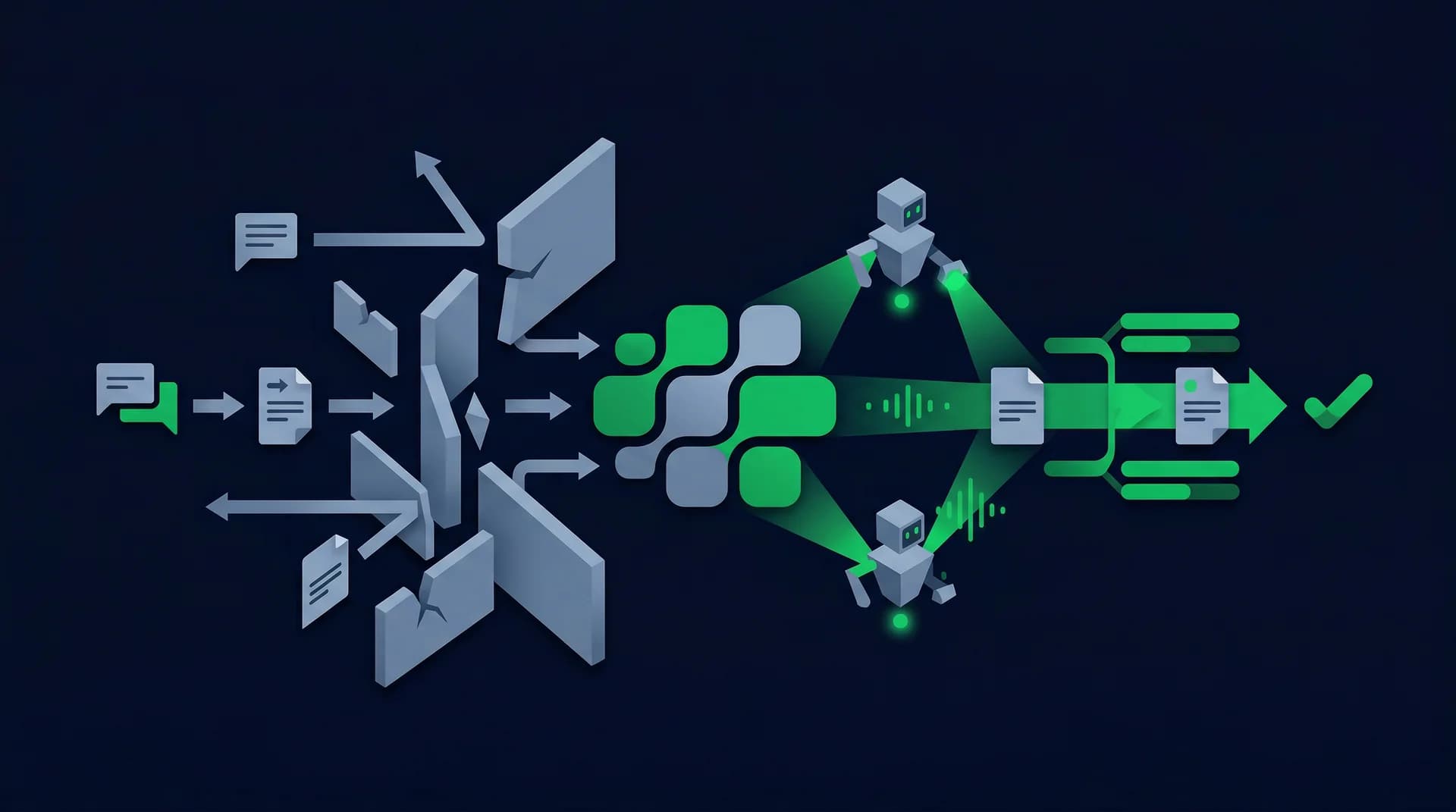
This is where Dunwise changes the game. Our AI voice agent handles the "I never received it" excuse automatically, without you lifting a finger.
When the agent calls and hears "I didn't get the invoice," it triggers a workflow instantly:
- Verifies the email: It confirms the email address on file with the customer.
- Resends immediately: It triggers a re-send of the invoice while still on the call.
- Sends via SMS: It sends a secure link to the invoice and a payment portal directly to the customer's mobile phone.
- Confirms receipt: It asks the customer to confirm they received the text.
The excuse is neutralized in seconds. The agent then pivots back to the commitment: "Now that you have the invoice, can we expect payment by Friday?"
The "lost invoice" excuse only works if it buys them time. When you (or your AI agent) close that gap immediately, you get paid faster.
Upflow's B2B payment insights show that multi-channel follow-up (email + SMS + phone) increases contact rates by 40% and improves promise-to-pay rates by 18%.